
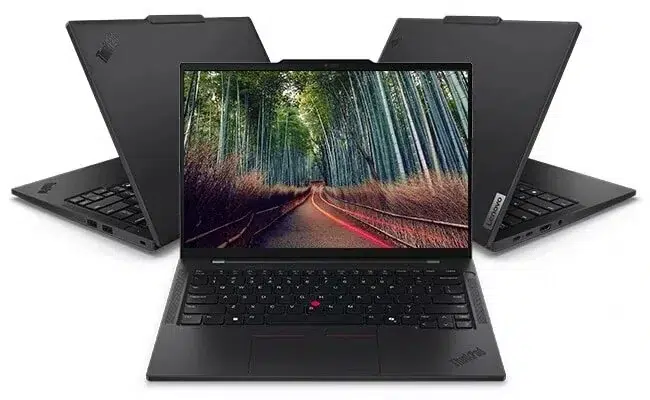
For Dubai professionals, the best ThinkPad depends on what the extra money buys. The ThinkPad T14s Gen 7 is the stronger value choice for everyday business work, while the X1 Carbon Gen 14 is worth considering for its brighter touchscreen and premium portable design.
That verdict becomes clearer when you compare matching configurations. UAE Tech Dubai lists both models with an Intel Core Ultra 7 365 vPro processor, 32GB RAM, 1TB SSD, and Windows 11 Pro. You therefore have a practical choice between screen quality, mobility, and price, rather than simply choosing the laptop with the bigger processor badge.
This guide uses Lenovo’s specifications and UAE Tech Dubai’s product listings to help buyers in Dubai and across the UAE choose the right model.
Which ThinkPad T14s Are We Comparing?
“ThinkPad T14s” covers several generations and processor platforms. This comparison focuses on the T14s Gen 7 Intel, model 21YVS09R00, and the X1 Carbon Gen 14 Aura Edition, model 21V7006GUS.
These are the matching Core Ultra 7 365 configurations linked below. Older T14s models, AMD versions, and the T14s 2-in-1 can have different screens, processors, ports, and weights.
Check the complete model code before buying a Lenovo business laptop in Dubai. Two listings with similar names can offer quite different experiences.
ThinkPad T14s vs X1 Carbon Gen 14: Specifications
| Feature | ThinkPad T14s Gen 7: 21YVS09R00 | X1 Carbon Gen 14: 21V7006GUS |
| Processor | Intel Core Ultra 7 365 vPro | Intel Core Ultra 7 365 vPro |
| Memory | 32GB LPDDR5X | 32GB LPDDR5X |
| Storage | 1TB SSD | 1TB SSD |
| Display | 14-inch WUXGA IPS, non-touch | 14-inch WUXGA IPS, touch |
| Resolution | 1920 × 1200 | 1920 × 1200 |
| Listed brightness | 400 nits | 500 nits |
| Listed colour gamut | 45% NTSC | 100% sRGB |
| Battery capacity | 58Wh | 58Wh |
| Operating system | Windows 11 Pro | Windows 11 Pro |
| Displayed price on 7 October 2026 | AED 10,250 | AED 11,250 |
Configuration and price details come from the two product pages. Prices and availability can change.
Performance: Is the X1 Carbon Faster?
Everyday Business Work
Both listed laptops use the same processor and offer the same memory and storage capacities. Those specifications make both sensible candidates for spreadsheets, browser-based software, presentations, coding, and video meetings.
There is no basis here for promising a large speed advantage from the X1 Carbon name alone. Cooling, power settings, and workload can affect performance, but a fair speed comparison would require tests of these exact units.
For an accountant, SEO specialist, operations manager, or sales professional, the T14s may already provide the configuration they need. Spend more on the X1 Carbon when its other advantages matter to your working day.
RAM and Future Requirements
Lenovo specifies soldered memory in both model families, with no RAM slots for later expansion.
Choose your RAM capacity before purchase. The listed 32GB configurations provide useful room for multitasking, but large virtual machines and demanding datasets need a workload-specific assessment. An SSD upgrade and a RAM upgrade are separate questions; do not assume both are possible.
Portability and Build: How Much Lighter Is the X1 Carbon?
Lenovo lists starting weights of 1.065kg for the T14s Gen 7 Intel family and 0.977kg for the X1 Carbon Gen 14 family with a standard trackpad. These are family minimums; the quoted configurations can weigh more.
The X1 Carbon keeps a portability advantage, but the latest T14s is also a lightweight business laptop. Broad claims that every T14s is substantially heavier overlook the newer design.
For frequent flights and daily client visits, small weight savings can matter. For someone who mainly works at a desk, screen quality, support, and total purchase cost may have more value. Ask for the weight of the exact unit, including the charger you will carry.
Display: The Clearest Reason to Choose the X1 Carbon
The listed T14s has a 400-nit non-touch IPS display with 45% NTSC coverage. The listed X1 Carbon has a 500-nit low-power IPS touchscreen with 100% sRGB coverage.
Both offer the same WUXGA resolution. The X1 Carbon’s advantages are brightness, touch input, and wider colour coverage, rather than a higher pixel count.
For email, documents, and business dashboards, the T14s screen can be a reasonable choice. For reviewing website layouts, brand colours, marketing visuals, or presentations, the X1 Carbon’s panel is more appealing.
If colour accuracy affects paid work, check calibration as well as gamut coverage. A screen specification alone does not guarantee accurate colours.
Also distinguish this X1 Carbon configuration from the family’s OLED options. The linked 21V7006GUS uses IPS; another Gen 14 listing may use a different panel.
Battery Life: Compare the Configuration, Not Just the Capacity
Both families have a 58Wh battery, according to Lenovo’s documentation. Equal battery capacity does not establish equal working time.
Screen brightness, processor load, wireless use, and power settings all influence runtime. A day of video calls is different from a day spent editing documents.
For work between Dubai offices, client sites, and shared workspaces, compare battery tests that match the processor and screen you plan to buy. Neither model earns a guaranteed battery-life win from the specifications alone.
Ports, Security, and Maintenance
Lenovo lists three Thunderbolt 4 ports, one USB-A port, HDMI 2.1, and a headphone/microphone socket on both Intel model families.
That is useful for a desk setup with a dock, external monitor, and peripherals. Check dock compatibility and charging requirements before ordering accessories.
For company purchases, confirm vPro support, camera options, warranty coverage, and your IT team’s deployment requirements on the exact quoted unit. Both retailer listings include Windows 11 Pro.
Lenovo also documents replacement procedures for the X1 Carbon Gen 14’s SSD, battery, keyboard, and USB modules. Lenovo Support KY Its premium design still deserves a practical maintenance assessment, especially if you plan to keep the laptop for several years.
ThinkPad T14s and X1 Carbon Gen 14 Prices in UAE
At the displayed prices reviewed on 7 October 2026, theLenovo ThinkPad T14s Gen 7 costs AED 10,250, while the Lenovo ThinkPad X1 Carbon Gen 14 costs AED 11,250.
The difference is AED 1,000, or approximately 9.8% above the T14s price.
For one laptop, the better screen may justify that difference. Across ten laptops, it becomes AED 10,000 before any negotiated discounts. Fleet buyers should match each employee’s workload to the features they will actually use.
Before comparing ThinkPad prices in Dubai, confirm the final payable amount, keyboard layout, warranty service, delivery date, and exact SKU. You can also browse business laptops in UAE to compare other configurations.
Which ThinkPad Should You Buy?
Choose the ThinkPad T14s Gen 7 If:
- Your work centres on documents, spreadsheets, meetings, and browser-based tools.
- You want the matching Core Ultra 7, 32GB RAM, and 1TB SSD configuration at the lower listed price.
- You do not need touch input or wider screen colour coverage.
- You are buying several laptops and need to control the cost per employee.
Choose the X1 Carbon Gen 14 If:
- You want the brighter touchscreen in this comparison.
- You review visual work alongside routine business tasks.
- You travel often and value the X1 Carbon’s portable design.
- The AED 1,000 premium fits your budget and daily needs.
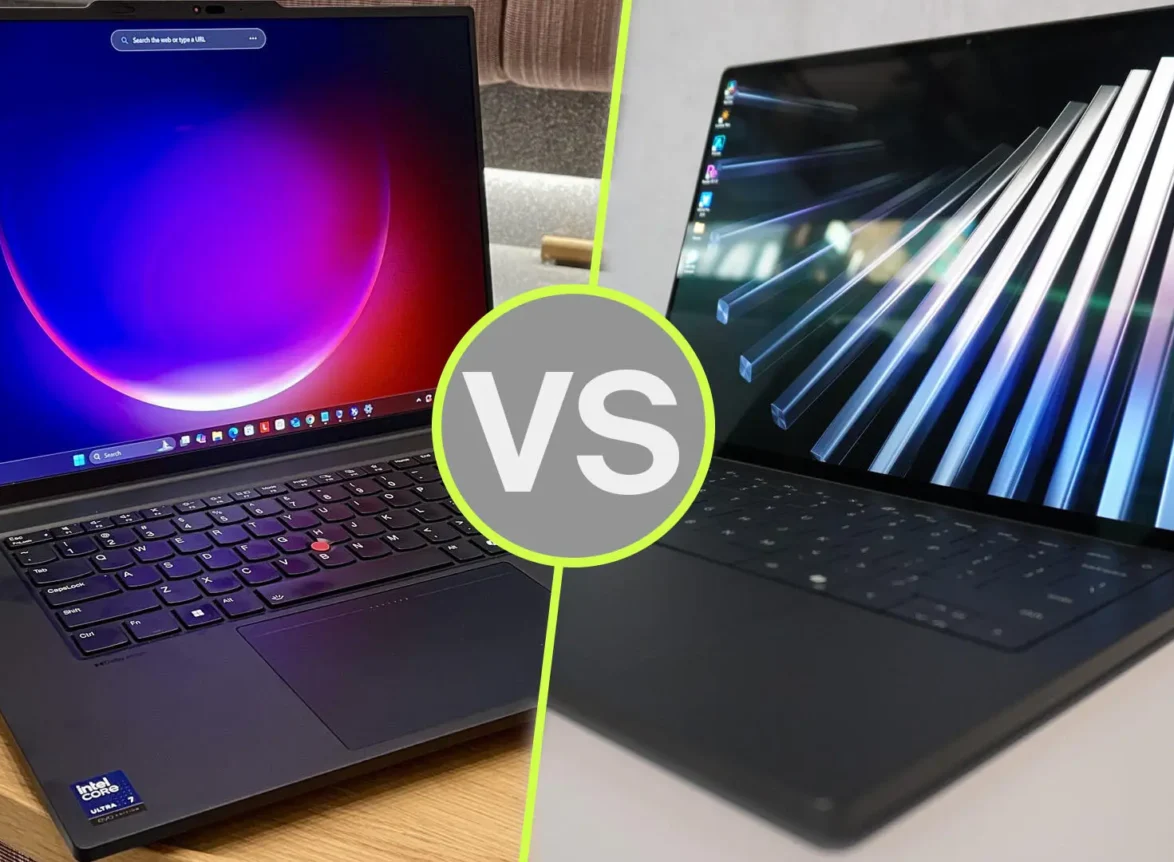
If you are still comparing brands, read our ThinkPad X1 Carbon Gen 14 vs Dell XPS 14 comparison.
Buy Your ThinkPad From UAE Tech Dubai
The ThinkPad T14s Gen 7 is our value recommendation for everyday business work. The X1 Carbon Gen 14 is our recommendation when its brighter touchscreen and portable design justify the extra cost.
Explore both models at UAE Tech Dubai (Berjaya Electronics). Compare the exact configurations, then contact our team for current pricing, stock confirmation, warranty details, and corporate quotations. Choose the ThinkPad that fits your workload and buy with the model details clear.
Is the ThinkPad T14s Better Value Than the X1 Carbon?
For the two listed configurations, the T14s offers the same processor, RAM capacity, and storage capacity for AED 1,000 less. That makes it the stronger value choice when the display upgrade is not essential.
Is the X1 Carbon Gen 14 a 2-in-1 Laptop?
It is a conventional laptop. Buyers who need tablet mode and pen input should consider the ThinkPad T14s 2-in-1 Gen 1, a separate convertible model.
Can You Upgrade the RAM Later?
Both compared model families use soldered RAM. Choose sufficient memory when ordering; a later RAM upgrade is not available.



Leave a Comment
Your email address will not be published. Required fields are marked *