
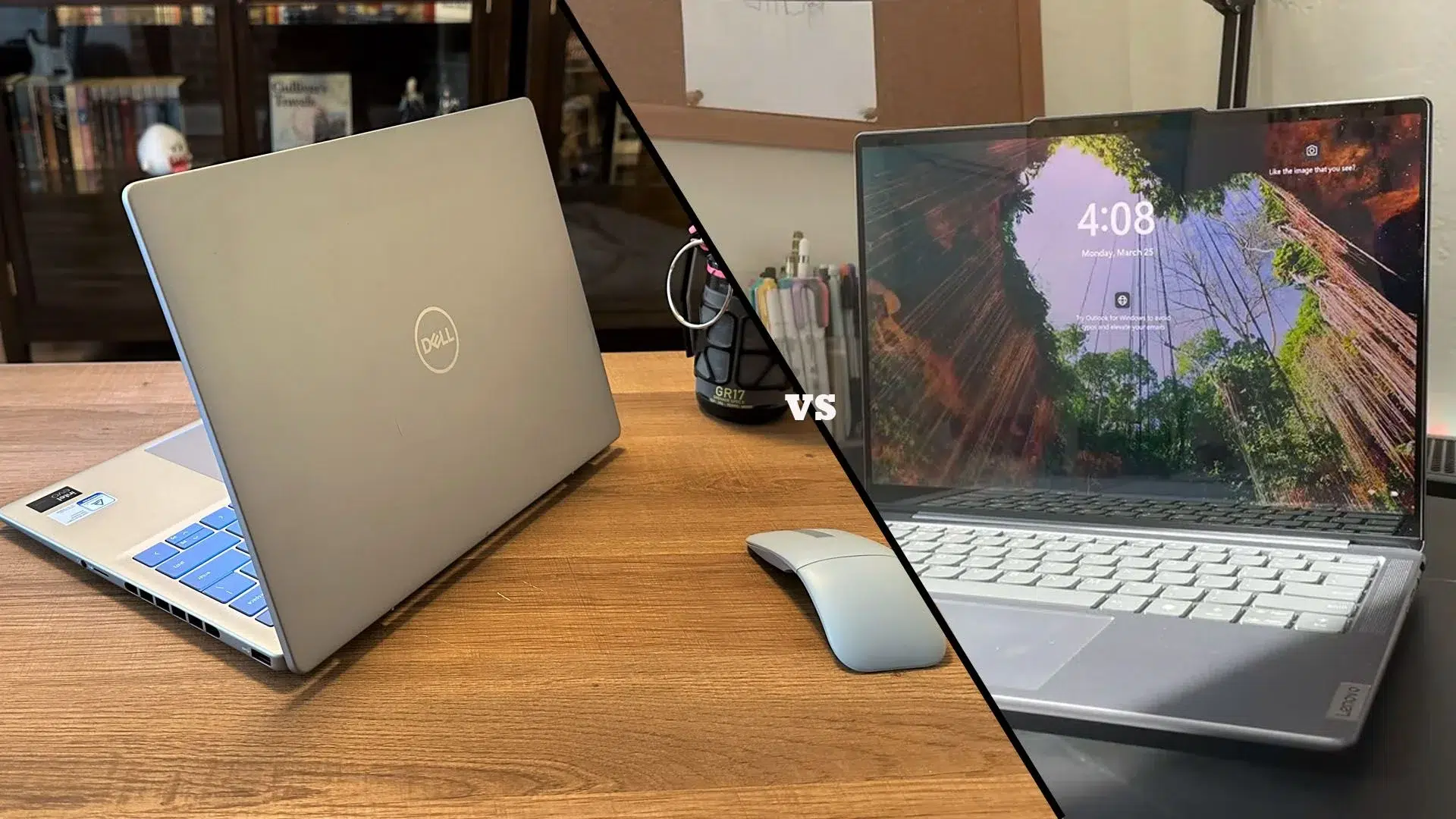
Choosing a workstation laptop in Dubai means balancing demanding software, daily travel and the cost of future upgrades. The Dell Pro Max 16 Premium and Lenovo ThinkPad P16 Gen 3 approach that balance differently.
The Dell is the better starting point for buyers who value a lighter workstation. The ThinkPad is the stronger candidate when memory expansion and larger projects take priority. Your final choice should depend on the exact configuration, rather than the model name alone.
This comparison uses manufacturer specifications and UAE Tech Dubai product listings. It is a specification-based buying guide, not a hands-on benchmark review.
Dell Pro Max 16 Premium vs ThinkPad P16 Gen 3: Specifications
The following configurations were listed by UAE Tech Dubai when researched on 9 October 2026. Prices and availability can change.
| Feature | Dell Pro Max 16 Premium MA16250 | ThinkPad P16 Gen 3 21RQ000NGR |
| Processor | Intel Core Ultra 7 265H | Intel Core Ultra 9 275HX |
| Graphics | NVIDIA RTX PRO 2000 Blackwell, 8GB | NVIDIA RTX PRO 3000 Blackwell, 12GB |
| Installed memory | 64GB LPDDR5x | 64GB DDR5 |
| Included storage | 1TB SSD | 1TB SSD |
| Display | 16-inch, 1920 × 1200, 120Hz | 16-inch, 3840 × 2400 IPS, 60Hz |
| Operating system | Windows 11 Pro | Windows 11 Pro |
| Listed price | AED 14,500 | AED 21,500 |
Explore the Dell Pro Max 16 Premium and Lenovo ThinkPad P16 Gen 3 product pages for the current offers.
These are different specification levels. The AED 7,000 gap is not simply a premium for the Lenovo name: the listed ThinkPad includes a different processor, GPU and screen. Comparing prices without those details can lead to the wrong purchase.
Processor Performance: Which Fits Your Work?
Dell: A Candidate for Mixed Professional Work
Dell offers the Premium with Intel Core Ultra H-series processors. The linked configuration uses the Ultra 7 265H.
Consider it for a working day that combines design revisions, spreadsheets, meetings and creative applications. Before paying for a higher processor tier, identify what currently slows you down. A delayed file transfer, a full memory allocation and a slow render call for different solutions.
ThinkPad: Worth Considering for Heavier CPU Tasks
The linked ThinkPad uses the Ultra 9 275HX. Its 24-core configuration provides more CPU resources than the Dell listing’s 16-core chip.
That makes it a candidate for work that can use many cores. However, core counts alone do not establish render times or simulation speed. Cooling, power settings and application behaviour also matter.
For an engineering team in Dubai, the best comparison is a timed run of a representative project. Ask for the exact CPU model and test conditions before relying on a performance percentage.
Graphics for CAD, BIM and 3D Rendering
A search for the best laptop for AutoCAD, Revit or SolidWorks should begin with the type and size of your projects.
The two linked laptops have different professional GPUs. The ThinkPad’s 12GB graphics memory provides more capacity than the Dell’s 8GB configuration. That extra capacity can matter when a workflow must keep substantial scene data in GPU memory; it does not mean every task runs proportionally faster.
For Drawing and Model Review
Start with the software vendor’s requirements for your version, then consider your largest active project. Avoid buying solely around an application name: reviewing a small drawing and navigating a detailed building model are different workloads.
For professional deployment, confirm the relevant application, graphics driver and hardware certification. A workstation label is not a blanket guarantee for every software version.
For Rendering and Local AI
Check whether your renderer or AI tool uses the CPU, GPU or both. For GPU workloads, review its memory requirements before comparing headline processing figures.
If your projects already exceed the available graphics memory, selecting more system RAM will not necessarily resolve that limitation. Ask for a quote that specifies both capacities separately.
RAM and Storage: The Biggest Long-Term Difference
Dell’s owner’s manual identifies the Pro Max 16 Premium’s RAM as onboard and non-upgradeable, with a maximum configuration of 64GB. The ThinkPad platform has four memory slots and supports up to 192GB of non-ECC RAM.
Choose your Dell memory capacity at purchase. Do not buy a lower-memory Premium expecting to add standard laptop RAM later.
The ThinkPad offers more flexibility if your projects grow. Its higher memory ceiling may suit buyers who expect to run larger datasets or several demanding applications together.
Storage expansion also differs: Dell documents two M.2 SSD slots, while Lenovo lists three. The ThinkPad has one PCIe 5.0 slot and two PCIe 4.0 slots, so fitting a Gen 5 drive does not make every slot operate at Gen 5 speed.
Keep a separate backup plan whichever machine you choose. Additional internal storage is useful for working files, but it should not be your only copy of client work.
Display Quality for Design and Editing
The listed Dell favours a faster 120Hz refresh rate, while the listed ThinkPad offers a higher-resolution 3840 × 2400 panel.
For a designer who works mainly on the built-in screen, the ThinkPad’s resolution deserves consideration. For someone who uses a large external display all day, the laptop screen may be a lower purchasing priority.
Do not assume all units share the same panel. Dell also offers a tandem OLED option within the Premium family, but that is not the FHD+ configuration compared in the table.
If colour accuracy affects your deliverables, confirm the exact panel and plan a suitable calibration workflow. Resolution, colour coverage and calibration answer different questions.
Portability, Connections and Battery Use
Manufacturer starting weights are approximately 2.19kg for the Dell and 2.54kg for the ThinkPad. Add the charger and any adapters when judging what you will carry between your Dubai office, client meetings and home.
Dell is the lighter starting point. The ThinkPad may still be worthwhile if you regularly need its expansion options.
Check connectivity against your actual desk setup. The ThinkPad includes USB-A and wired Ethernet, while Dell’s documented Premium port selection centres on USB-C/Thunderbolt, HDMI and an SD-card slot.
List your monitor, external drives, network cable and peripherals before ordering a dock. Confirm the dock’s power delivery and display support for the chosen laptop.
Neither battery capacity nor a manufacturer’s general claim establishes working time for your projects. Plan access to mains power for extended heavy workloads, and compare battery tests only when their settings and configurations match.
Which Workstation Offers Better Value in Dubai?
At the observed prices, the Dell leaves AED 7,000 available for other needs. That could fund part of a monitor, backup system, software subscription or support budget.
The ThinkPad becomes easier to justify when its specific advantages solve an existing constraint. Buying extra capacity “just in case” is less convincing than knowing your current project exceeds a practical limit.
Choose the Dell Pro Max 16 Premium If:
- You carry your workstation frequently.
- Your expected workload fits within 64GB of system memory.
- The quoted GPU meets your project requirements.
- You prefer to keep more budget for the rest of your workspace.
Choose the ThinkPad P16 Gen 3 If:
- You expect to need more than 64GB of RAM.
- Your workflow benefits from the quoted GPU and additional graphics memory.
- You value more internal expansion.
- The higher-resolution screen matters to your daily work.
Before buying a workstation laptop in the UAE, request a written quote showing the exact configuration, VAT treatment, keyboard layout, warranty coverage and delivery estimate. Confirm which organisation provides warranty service locally.
Buy Your Workstation from UAE Tech Dubai
The Dell Pro Max 16 Premium suits buyers seeking a lighter professional laptop with a lower listed price. The ThinkPad P16 Gen 3 offers more scope for memory growth and a higher-specification local configuration.
Compare both models at UAE Tech Dubai (Berjaya Electronics). Share your software, project size and budget with the team, confirm the final specifications, and order the workstation that fits your work in Dubai and across the UAE.
Is the ThinkPad P16 Gen 3 Always Faster?
No. The configuration and workload determine the result. The linked ThinkPad has higher-tier components, but this guide does not establish a measured performance lead.
Can I Upgrade Dell Pro Max 16 Premium RAM?
No. Its memory is integrated into the system board. Select sufficient RAM before placing your order.
Which Is Better for Architects in Dubai?
Shortlist the ThinkPad for projects needing substantial memory expansion. Consider the Dell when portability matters and the selected configuration meets your design software’s needs. Test a representative model where possible.


Leave a Comment
Your email address will not be published. Required fields are marked *